

Note
Go to the end to download the full example code or to run this example in your browser via Binder.
Visualizing 2D model data#
To demonstrate the creation of filled contour plots we load a 2D THM meshseries
example. In the plot.setup we can provide a dictionary to map names
to material ids. Other plot configurations are also available, see:
ogstools.plot.plot_setup.PlotSetup. Some of these options are also
available as keyword arguments in the function call. Please see
ogstools.plot.contourplots.contourf for more information.
import ogstools as ot
from ogstools import examples

ot.plot.setup.material_names = {i + 1: f"Layer {i+1}" for i in range(26)}
ms = examples.load_meshseries_THM_2D_PVD().scale(spatial="km")
mesh = ms.mesh(1)
To read your own data as a mesh series you can do:
mesh_series = ot.MeshSeries("filepath/filename_pvd_or_xdmf", "km")
Plotting Cell Data#
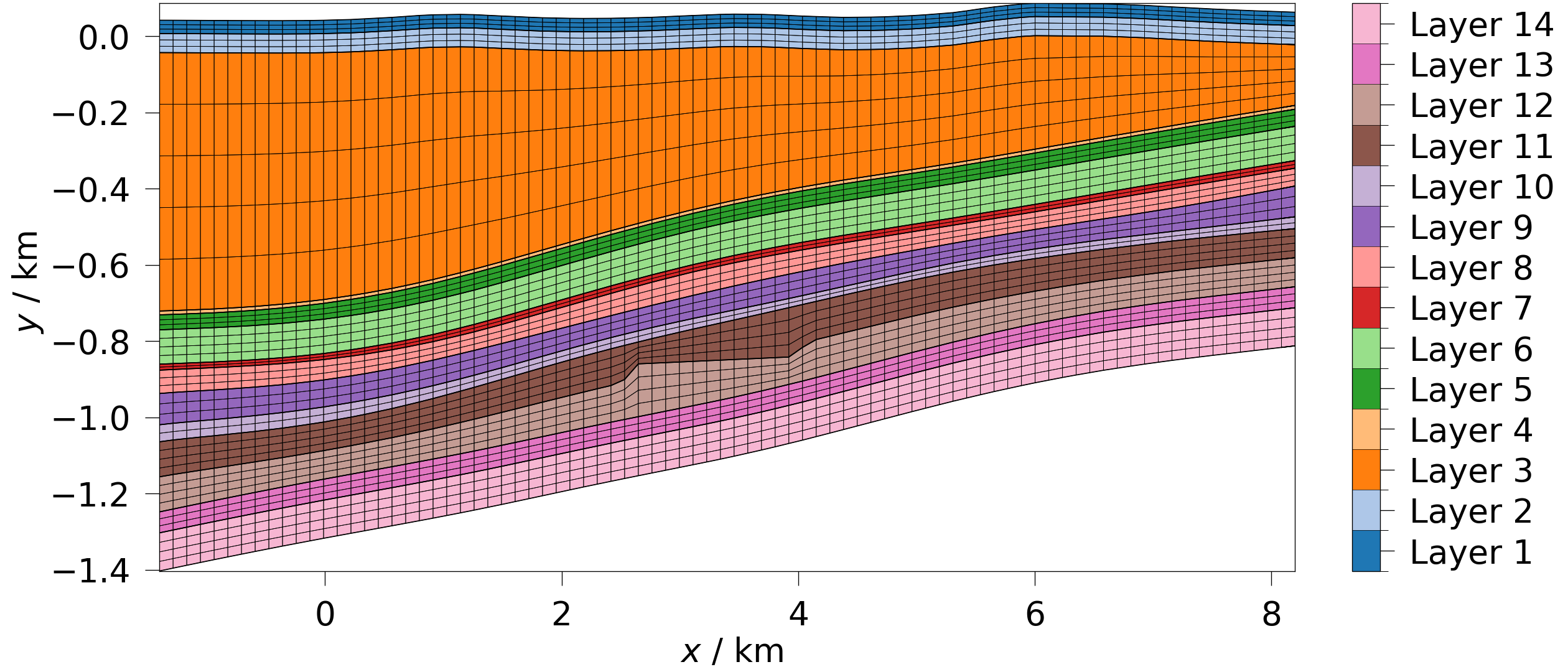
First, let’s plot the material ids, which is part of the mesh’s cell_data. Per default in the setup, this will automatically show the element edges.
Plotting Point Data#
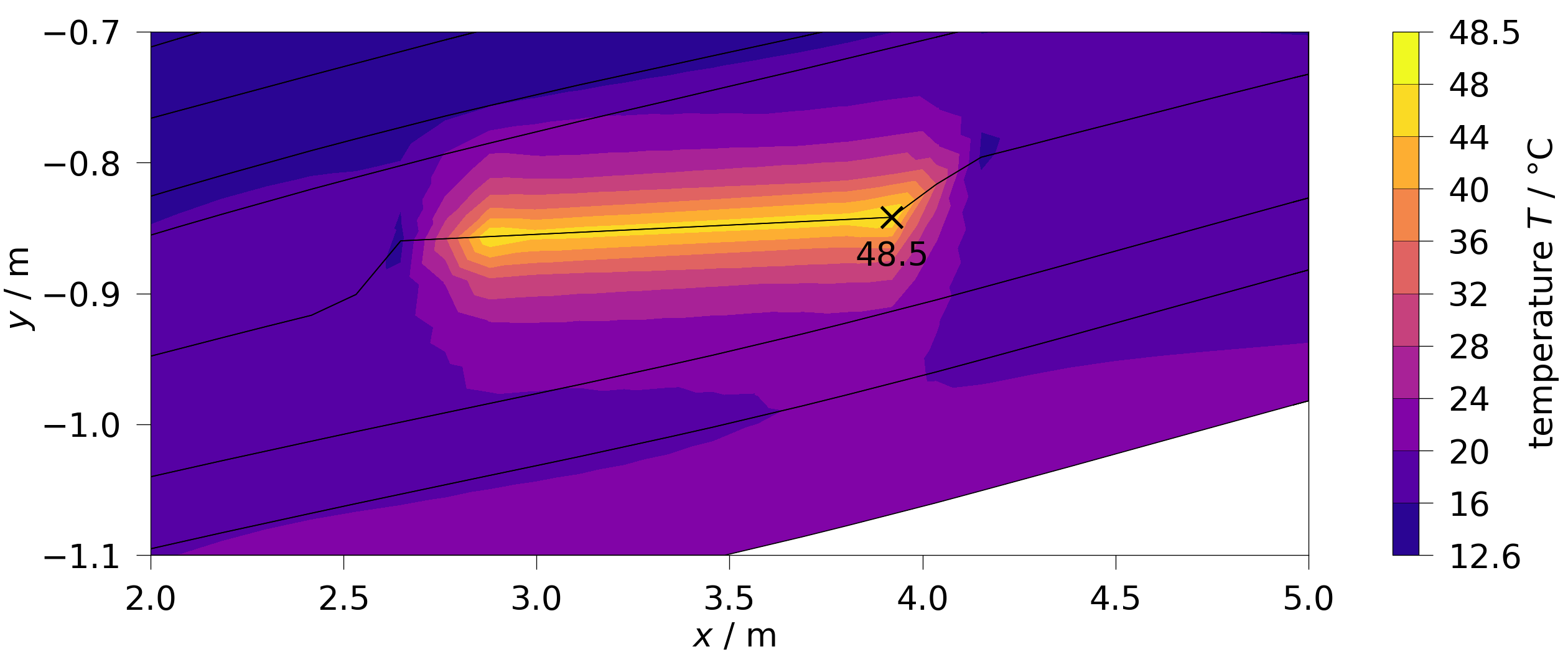
Now, let’s plot the temperature field (point_data) at the first timestep.
The default temperature variable from the variables reads the temperature
data as Kelvin and converts them to degrees Celsius. This also shows how to
only plot a specific part of the model by creating a clip with
pyvista.clip_box beforehand.
part = mesh.clip_box(bounds=[2, 5, -1.1, -0.7, 6, 7], invert=False)
fig = ot.plot.contourf(part, ot.variables.temperature, show_max=True)
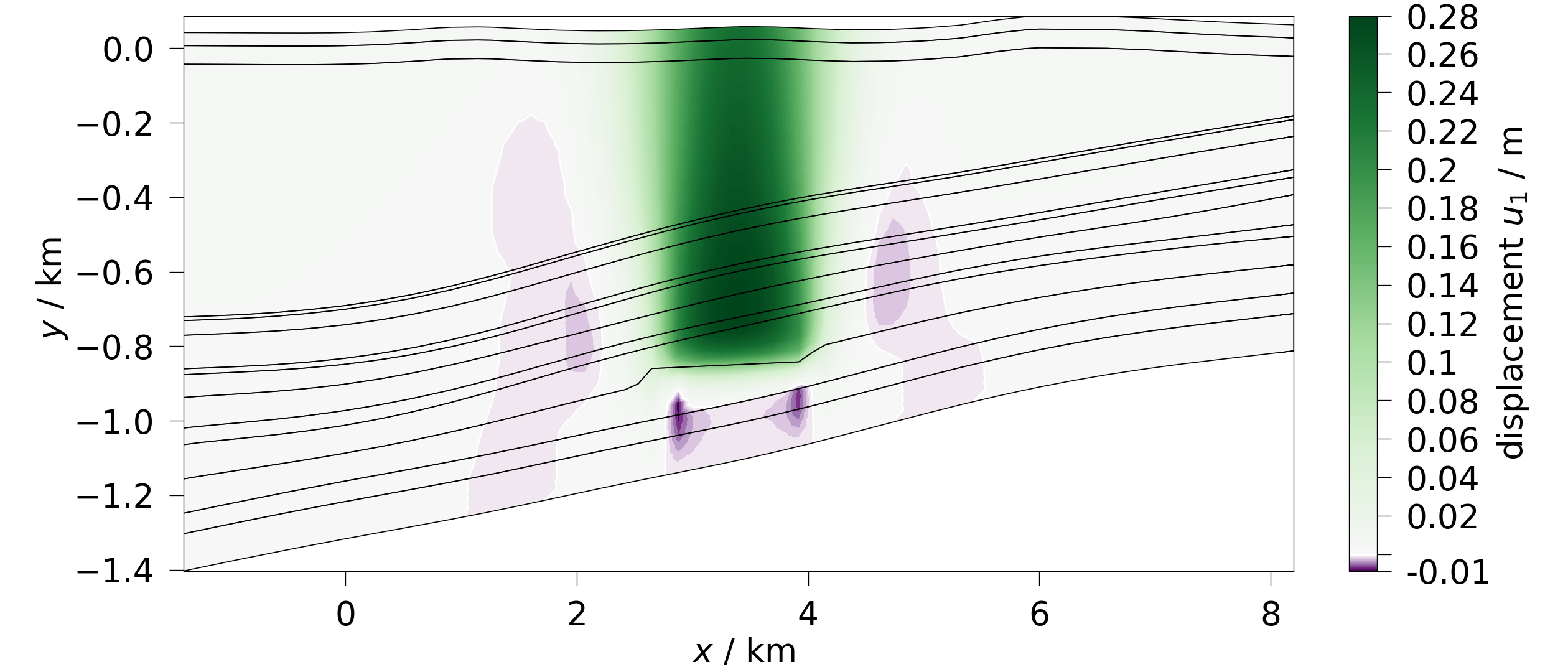
We can also plot components of vector variables:
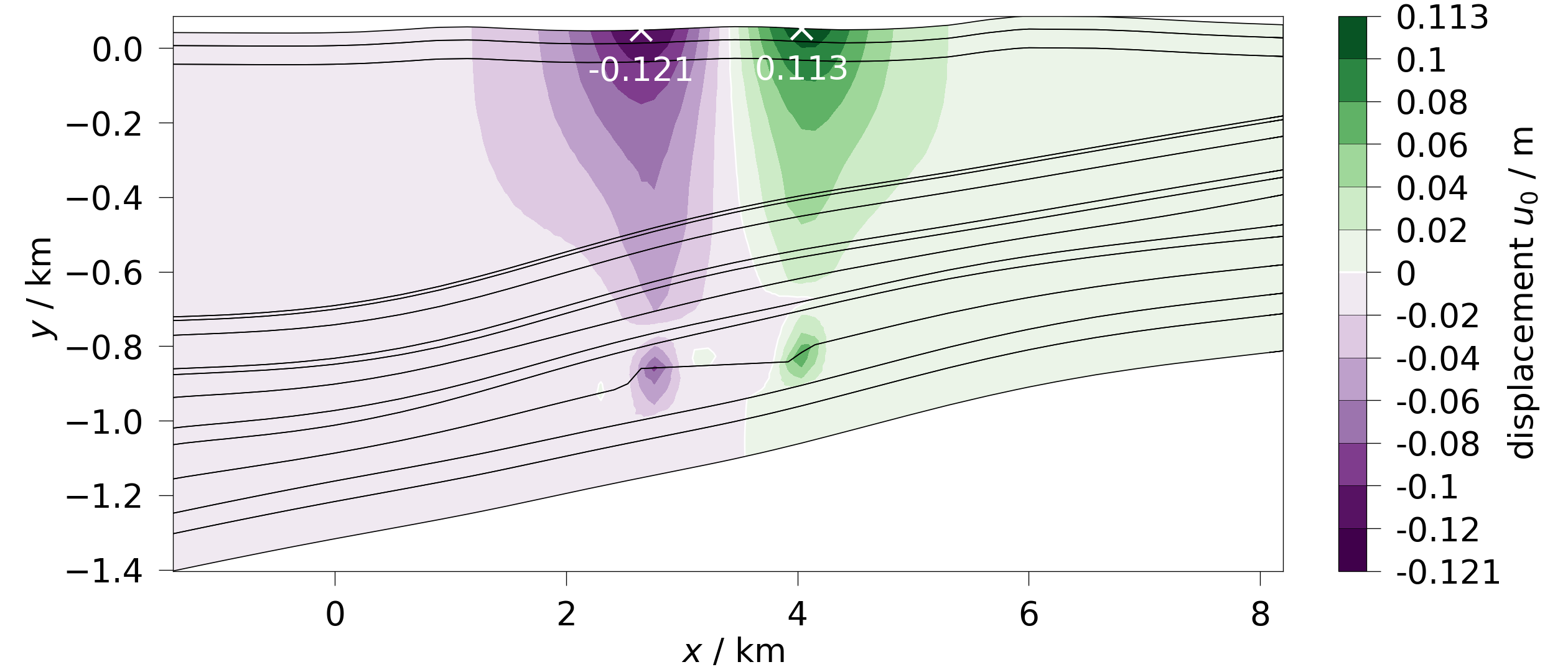
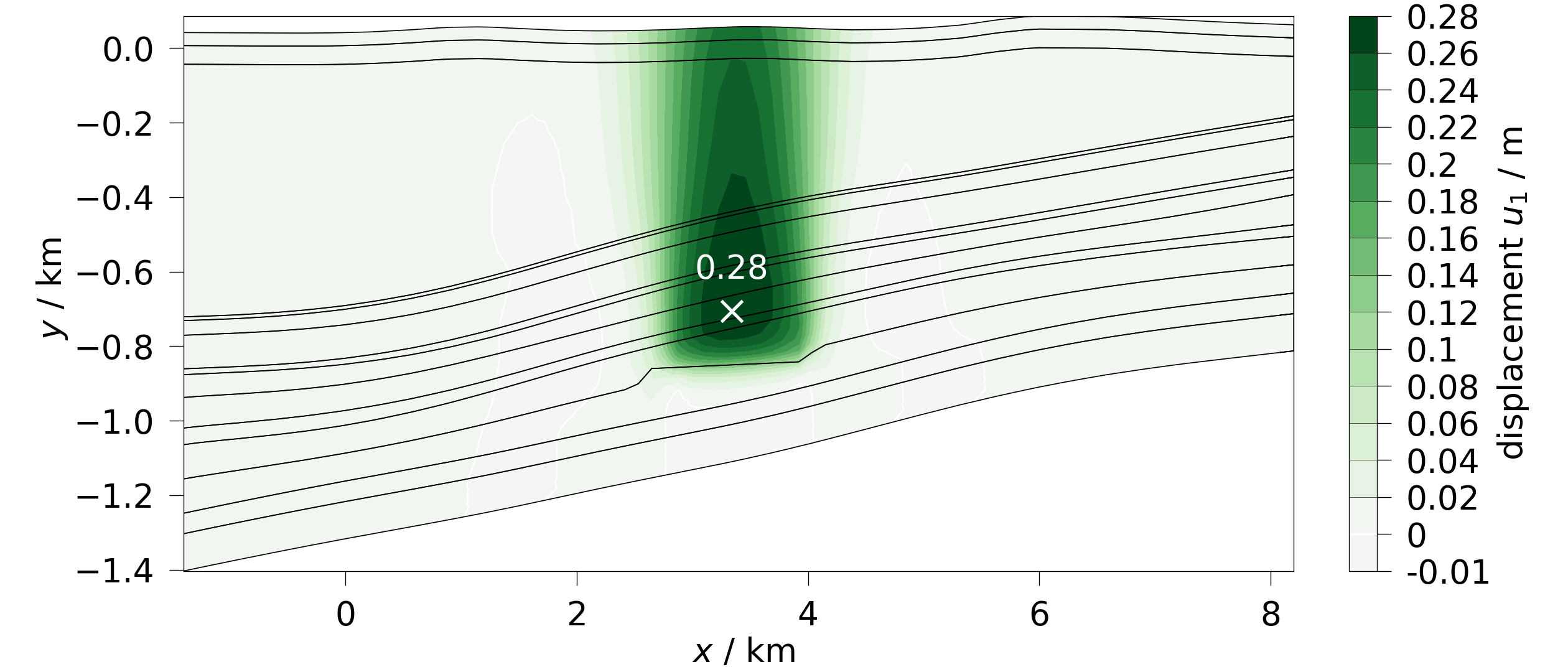
To have a continuous colormap instead of discrete colors per level pass a the equally named argument. In this case this helps to increase the level of detail of the negative displacements due to the bilinear colormap.
Plotting with deactivated subdomains#
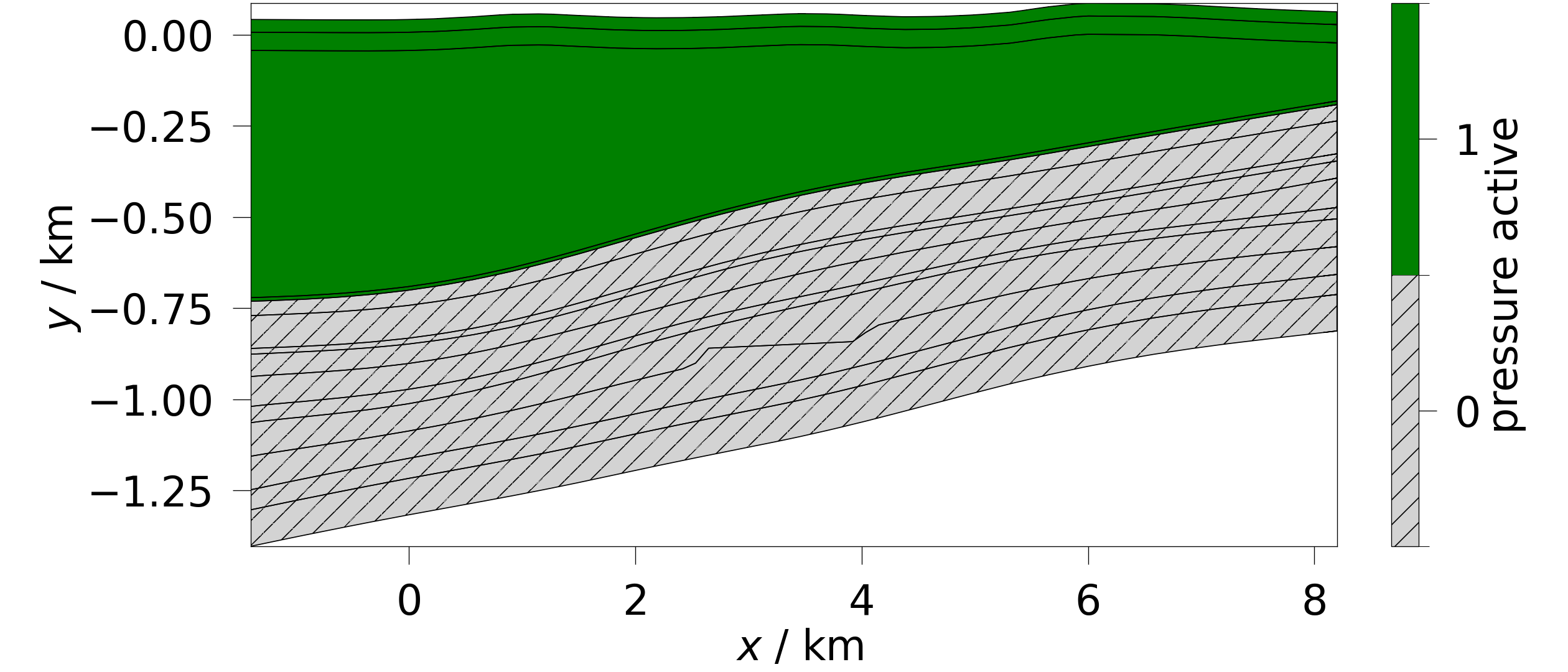
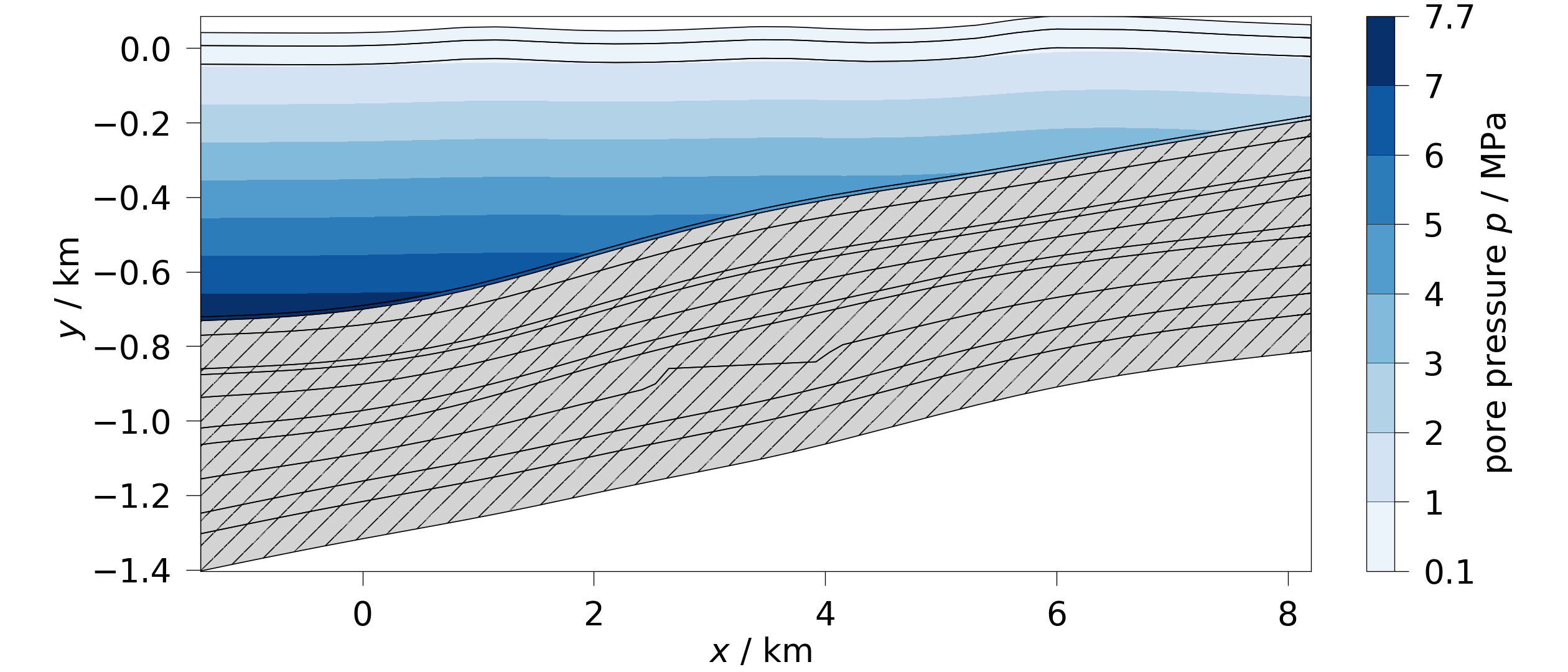
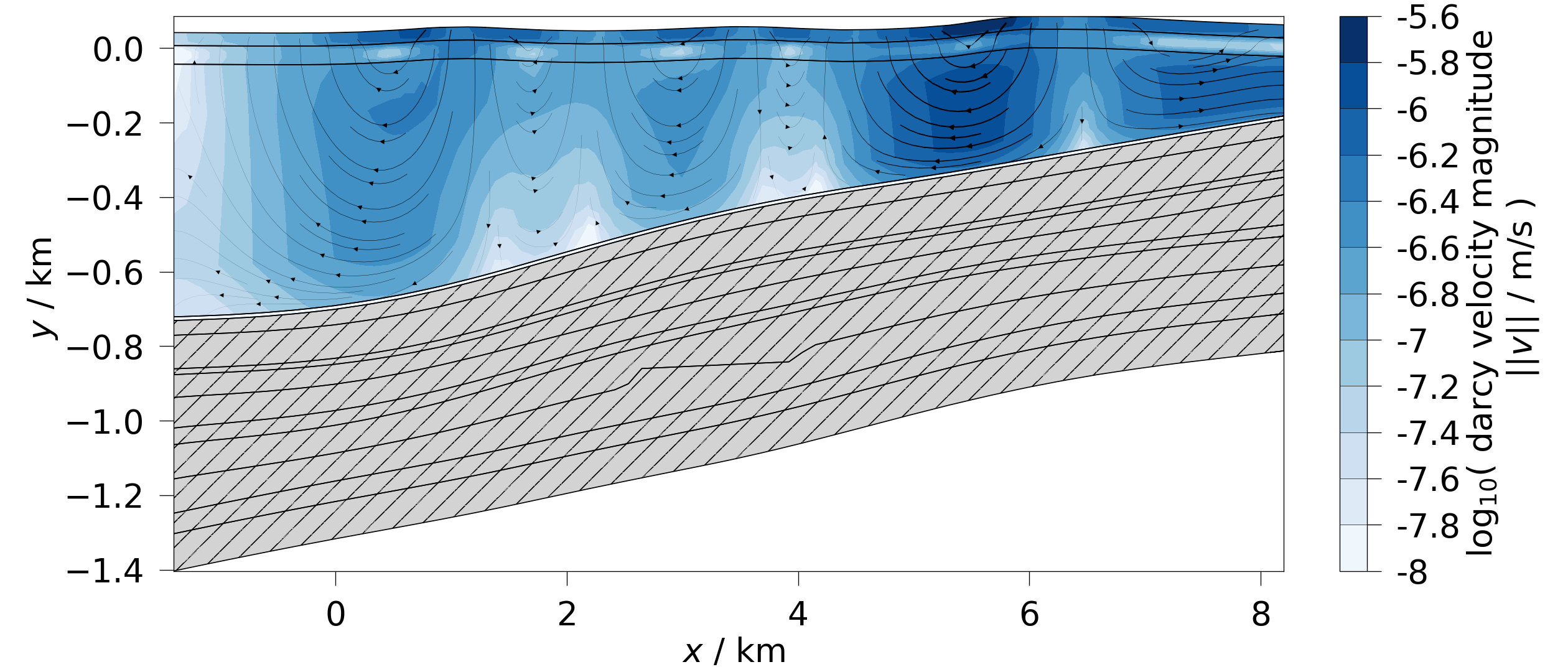
This example has hydraulically deactivated subdomains, which will mask the related variables.
Plotting vector data#
Let’s plot the fluid velocity field. As this is vectorial data, this will automatically add streamlines to indicate the vector directions.
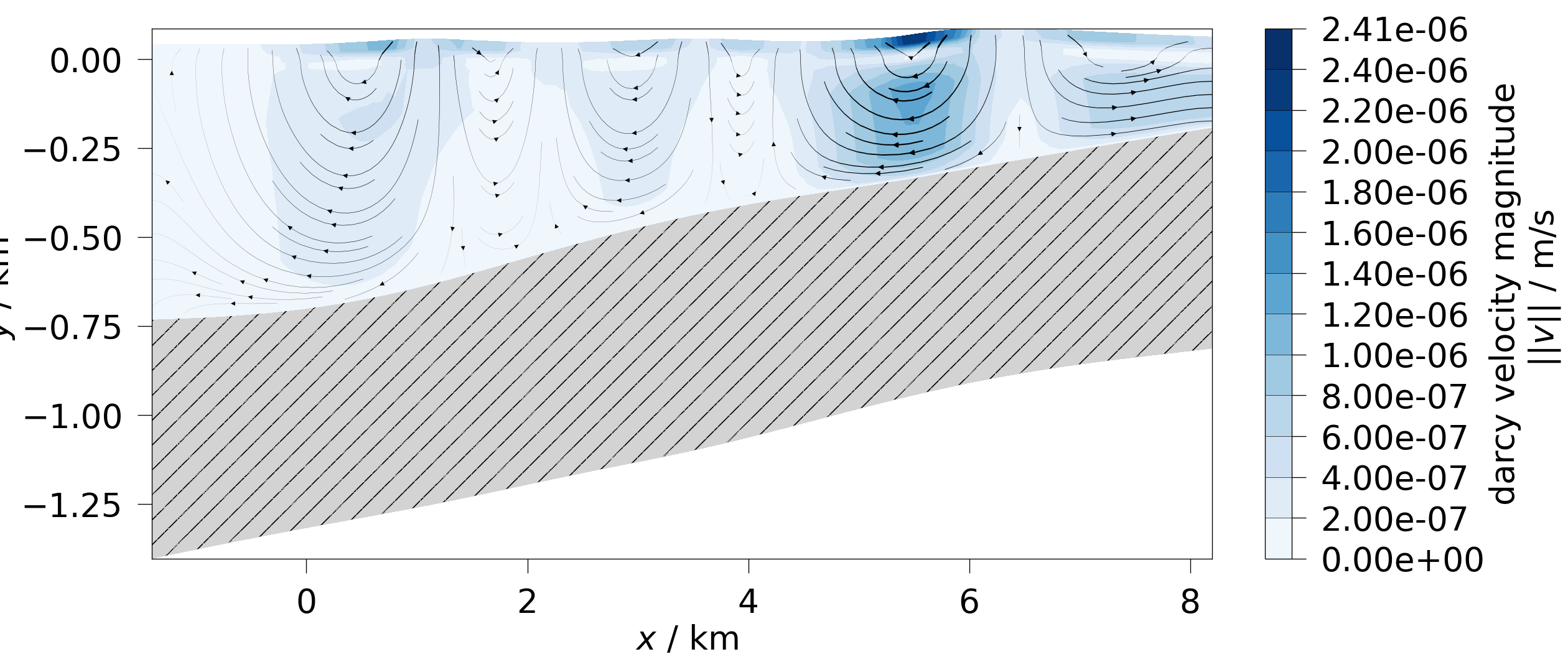
Let’s plot it again, this time log-scaled.
Total running time of the script: (0 minutes 7.891 seconds)
