

Note
Go to the end to download the full example code or to run this example in your browser via Binder.
OGSTools Framework - Quick Start#
This is a condensed version of the OGSTools workflow.
Workflow: Setup → Compose → Run → Analyze → Store
For detailed explanations of each step, see OGSTools Framework - Complete Workflow Guide.
import ogstools as ot
from ogstools.examples import load_meshes_simple_lf, load_project_simple_lf
1. Setup: Load Project and Meshes#
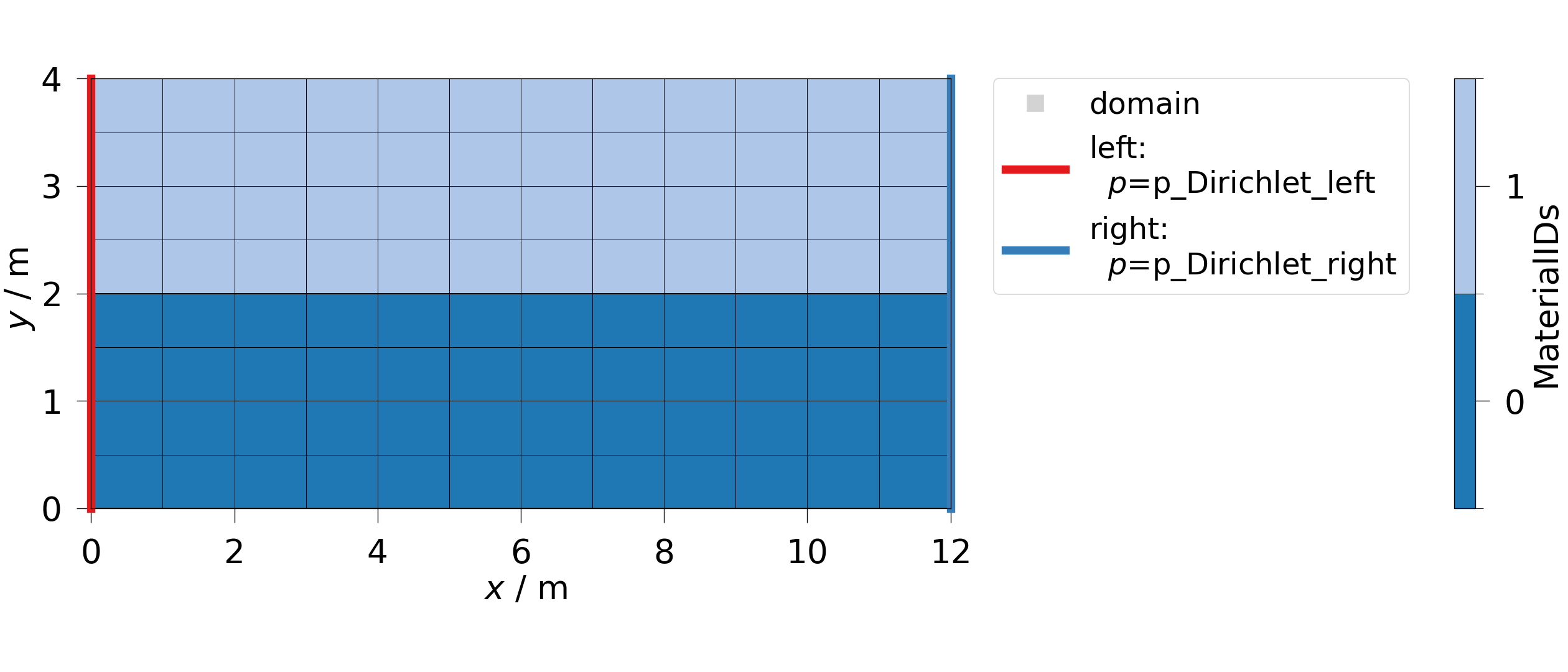
2. Run: Execute Simulation#
sim = model.run()
print(f"Simulation status: {sim.status_str}")
Simulation status: Status: completed successfully (results available)
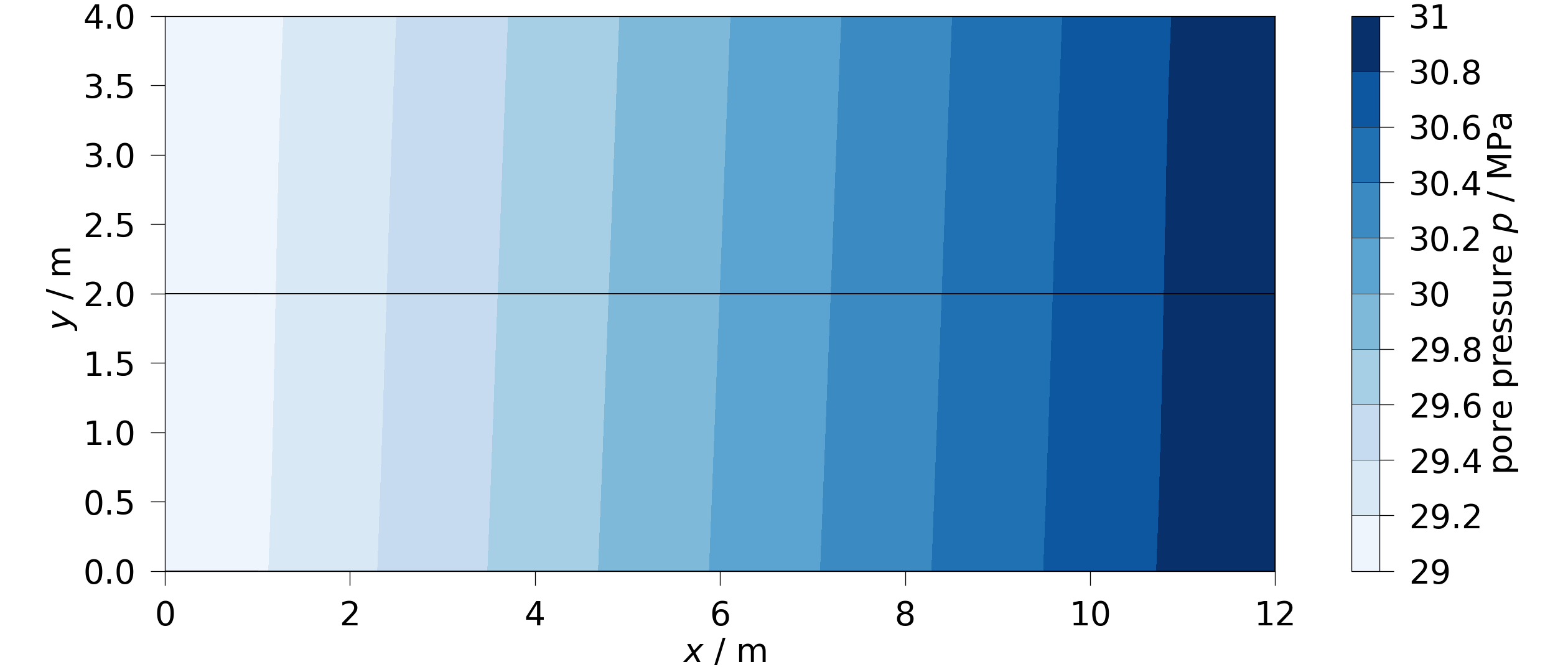
3. Analyze: Visualize Results#
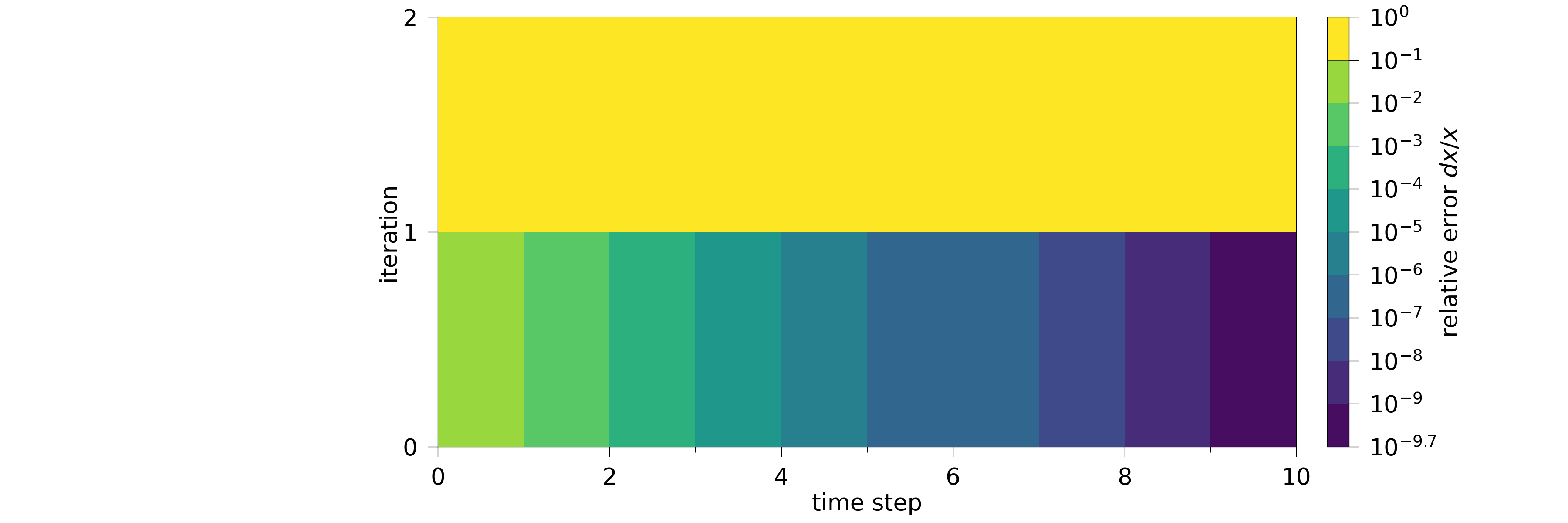
Plot convergence behavior
4. Store: Save Simulation#
[]
Next Steps#
Full tutorial: OGSTools Framework - Complete Workflow Guide
Preprocessing: Creating a BHE mesh (Borehole Heat Exchanger)
Visualization: How to Create Time Slices
Total running time of the script: (0 minutes 0.839 seconds)
